
Article · Invoice formats
What makes an e-invoice different from a PDF?
A PDF shows you what an invoice looks like. A structured e-invoice tells software which value is the invoice number, which amount is due, and what each line means. Some invoice formats put both in one file.
Reviewed
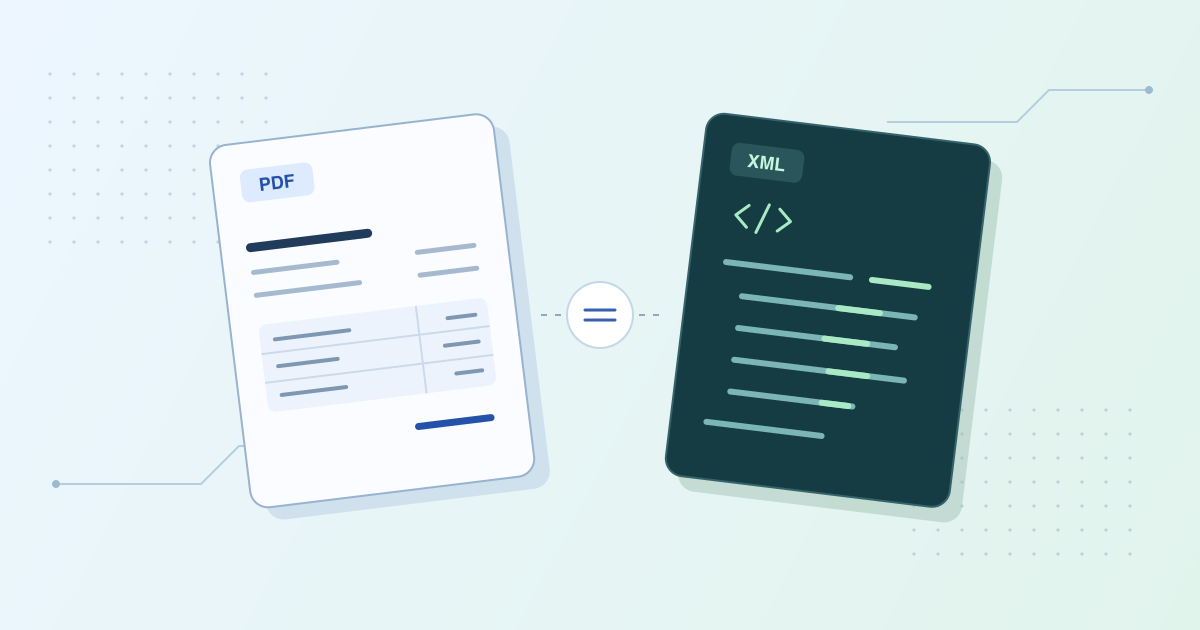
A page and a set of fields
Imagine an invoice with €120.00 at the bottom. On an ordinary PDF, you might see that amount next to “Amount due” and recognize it immediately. Software reading the page may need to work out which number goes with that label. The text might be selectable or it might be part of a scanned image.
A structured e-invoice carries the payable amount and its currency in defined fields. It can also carry the invoice number, issue date, and individual line items as separate values. Software that understands the format can read those fields directly. The €120.00 here is an illustration of how the two files represent the same information.
Why the file extension can be misleading
An XRechnung normally arrives as structured XML. A regular PDF reader will not turn that XML into a readable invoice layout. A viewer for the format can render one from the data.
A hybrid ZUGFeRD invoice can contain both a visible PDF page and embedded XML in the same file. The PDF reader shows the page. Software that supports the embedded format can read the invoice data. A .pdf extension by itself tells you little about whether that structured data is present.
What the difference means when you receive an invoice
If a supplier sends a structured invoice, keep that original file available to anyone who needs to process it. A screenshot or a printout can help you read it, while the original carries the structured information. When the attachment is XML, the illustrated guide to opening an XML invoice shows what it looks like in InvoiceGlass.